

What is call center software and how does it improve call operations?
A practical guide to call center software, agent management, call reporting and how CCMS supports VoIP-based teams.
Read article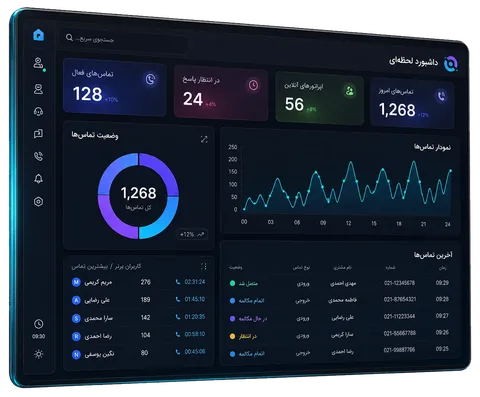
Realtime dashboards, accurate reports, call recording and agent performance analytics; all in one powerful platform for better call center management.
Live control, management reporting, call tracking and recording, agent tools and enterprise infrastructure in one integrated product.
Monitor calls, queues, agents, KPIs and service alerts in real time.
Analyze answer rates, missed calls, talk time and performance trends.
Search, filter, inspect call details, play recordings, add notes and tags.
Web softphone, voicemail, secure calls and callback follow-up inside the panel.
RBAC, licensing, health checks, APIs, webhooks and CRM integration.
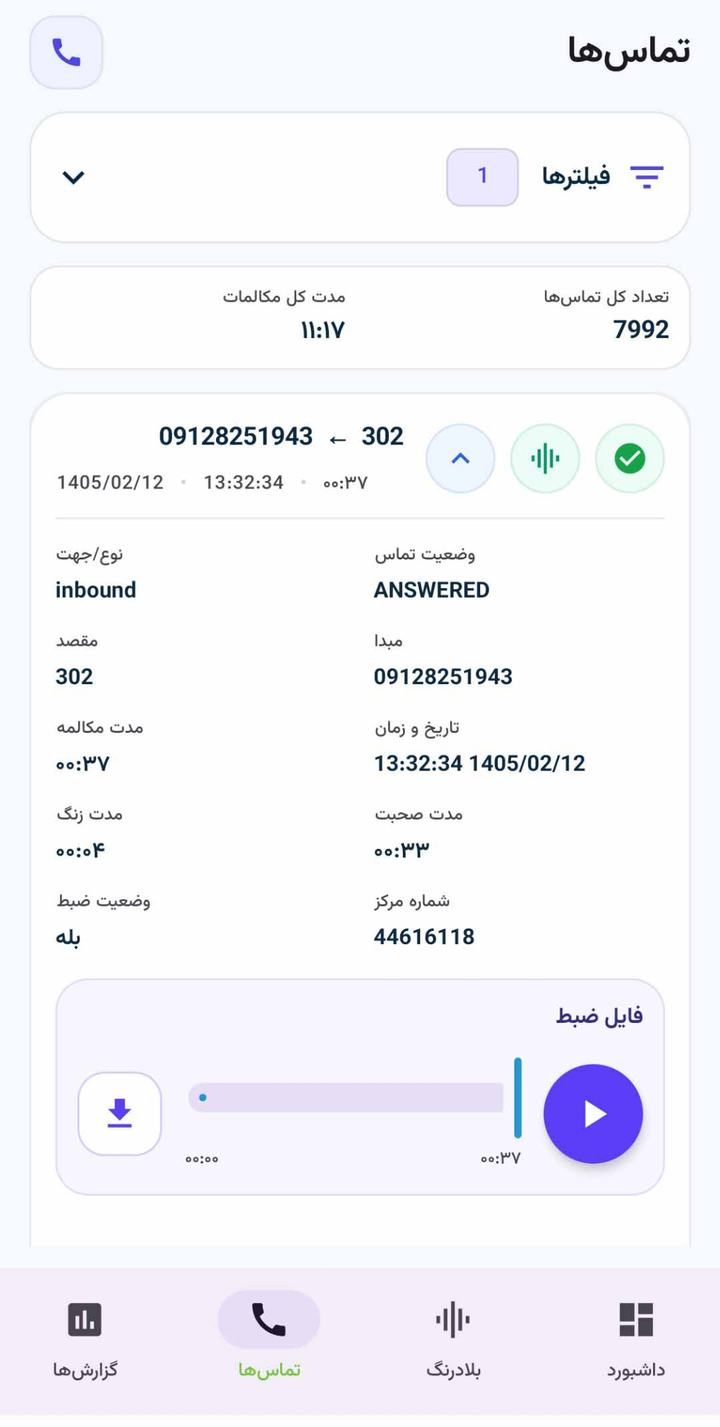
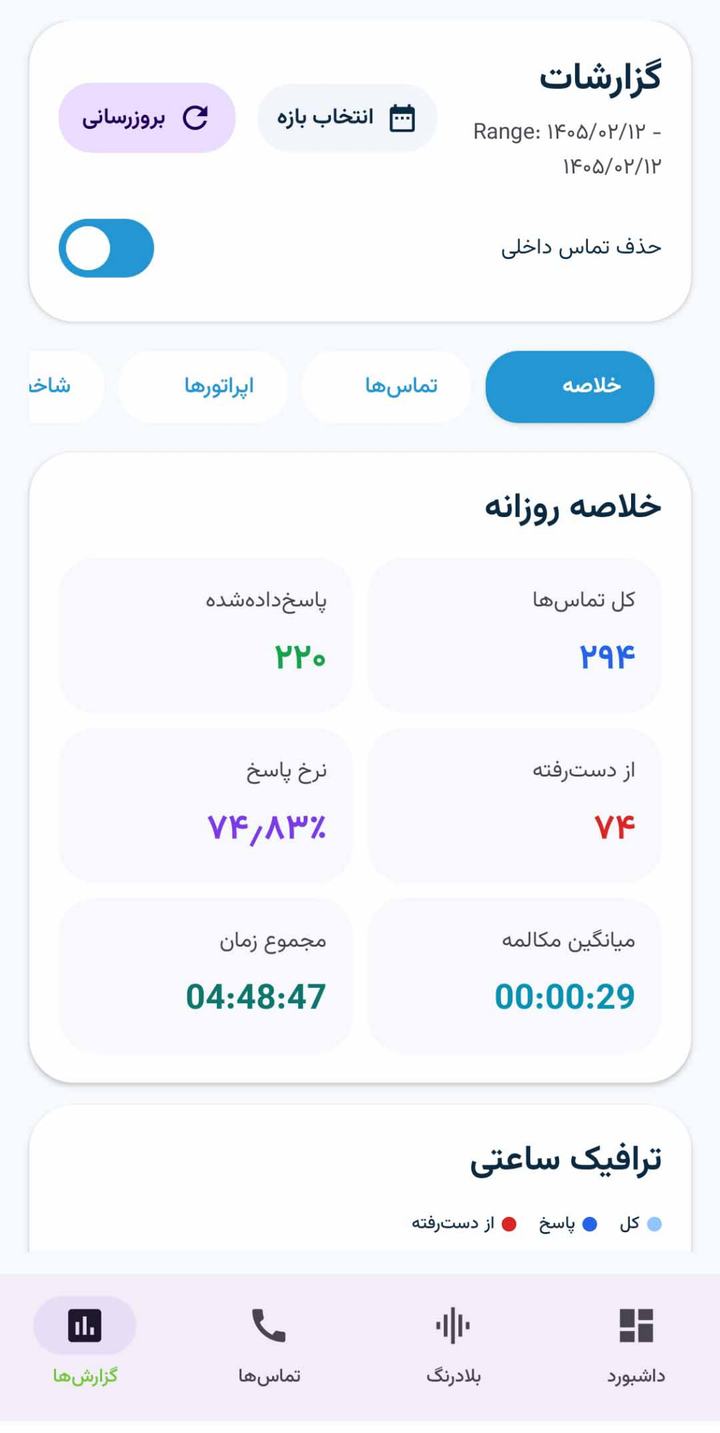
With the CCMS Android app, managers and supervisors can track dashboards, calls, reports and key call center metrics from anywhere, anytime.
View key call center information without staying permanently inside the web panel.
View call lists, conversation details, answer status and recording availability.
Review daily summaries, performance indicators, response quality and management trends.
User access is controlled by role, permission level and the organization’s management scenario.

For installing the official CCMS call center management Android app, users can download it from trusted Iranian Android markets. Publishing the app on Bazaar and Myket makes installation easier and gives users a more reliable path to future updates.

With CCMS APIs and webhooks, CRM developers can receive and manage call events, agent status and conversation data without dealing directly with PBX complexity.
Instead of connecting directly to telephony internals, the CRM works through a standardized and controlled layer.
Call start, answer, missed calls, recording status and agent information are delivered in a structured format.
Call history, customer profiles, webhooks and organization-specific workflows can be implemented.
POST /api/v1/crm/events
{
  "event": "call.answered",
  "agent": "302",
  "customer": "+98912..."
}

CCMS can be deployed on Issabel, Asterisk and FreePBX-based infrastructures, supporting common scenarios with SIP trunks, SIP extensions and IP phones for call management, recording and reporting.







CCMS is designed for organizations that need call center software, VoIP call center dashboards, call reporting, recording control and CRM-to-PBX integration.
For teams that need to manage inbound calls, outbound calls, customer follow-up, answer status and conversation quality from one controlled panel.
The realtime dashboard helps managers review agents, queues, active calls and VoIP service indicators faster and more accurately.
Reports for answered calls, missed calls, peak hours, talk time and agent performance help teams make operational decisions with better data.
Recorded-call search and playback help supervisors review response quality, train agents and handle customer disputes more effectively.
CCMS APIs and webhooks simplify CRM integration with the PBX and make call events usable in sales and support workflows.
CCMS is built for common Asterisk-based VoIP PBX scenarios, including Issabel and FreePBX deployments, with room for organizational customization.
Final pricing depends on extension count, deployment scenario, enabled modules and support level.
For small businesses
For active call centers
For organizations and multi-branch teams
The prices above are initial estimates; the final quote is issued after reviewing the infrastructure and required modules.






This is not just a feature list; it shows how the platform helps reduce unanswered calls, improve quality control, evaluate teams and make faster decisions.
Call congestion, staffing gaps and unanswered calls become visible earlier, so you can act before service quality drops.
View calls, agents, queues and key metrics in real time and make more accurate operational decisions.
See team performance, answer rates, talk time and work trends clearly, and manage shifts more effectively.
With recording playback, notes and tags, agent training and complaint handling become easier.
If calls matter for your sales, support or service operations, this platform gives your team operational visibility, management reports and quality control.
Deployable on Asterisk-based PBX systems and compatible with common Issabel and FreePBX call center scenarios.


Contact us to receive a free demo and review your call center scenario.
The implementation path is clear, from PBX review to installation, report setup, training and support.
PBX structure, extensions, queues, call routes and reporting needs are reviewed.
The platform’s practical capabilities are demonstrated based on your real operational scenario.
The platform is installed on the appropriate infrastructure and connected to Issabel, Asterisk or FreePBX.
Dashboards, access levels and management reports are configured according to management needs.
Managers, supervisors and key users are trained on operational sections and reports.
After deployment, support, troubleshooting and required development are provided.
Read practical guides about call center software, VoIP dashboards, reporting, CRM integration and better contact center operations.

A practical guide to call center software, agent management, call reporting and how CCMS supports VoIP-based teams.
Read article
Learn why managers need realtime dashboards, KPIs, reporting and operational visibility beyond simple call lists.
Read article
Explore important VoIP dashboard metrics for calls, queues, agents and faster operational decisions in call centers.
Read articleShort answers to the questions usually asked before purchasing, requesting a demo or deploying the call center management platform.
Yes. The demo is presented based on your operational scenario so you can see the real product environment and its value before making a decision.
Yes. CCMS is designed for VoIP call center management and can be deployed on Asterisk-based PBX infrastructures, including common Issabel and FreePBX scenarios.
Raw PBX reports are usually not enough for management decisions. CCMS turns call, queue, agent, missed-call, recording and performance data into realtime dashboards and actionable reports.
Yes. The platform is designed for Asterisk-based PBX systems and can be deployed in common Issabel and FreePBX scenarios.
Yes. CCMS supports APIs and webhooks for connecting CRM systems to PBX call events, answer status, agent information and call history in a structured way.
Yes. The platform provides missed-call reports, peak-hour analysis, answer status, queue visibility and agent performance metrics to help managers improve service quality.
Yes. Playback and access to recorded calls can be controlled by permission level, and user, role and department access can be restricted.
Yes. The CCMS Android app helps managers and supervisors view dashboards, follow calls and check key call center reports from mobile devices.
Implementation time depends on infrastructure status, extension count, call scenario and required modules; the deployment path is clarified before execution.
Yes. Daily reports, trends, missed calls, agent performance and key indicators are designed for decision-making and management presentations.
Yes. Depending on the plan and organizational needs, reports, APIs, webhooks, CRM integrations and third-party integrations can be developed.
No. Depending on extension count, call volume, reporting needs and required management control, CCMS can be used by small businesses, active call centers and multi-department organizations.
The final price is based on extension count, deployment scenario, enabled modules, support level and customization needs.
Contact our experts to receive a free demo, review your call scenarios and choose the right plan.
Complete the form below and our team will contact you to review your call center requirements and recommend the right setup.